
Dashboard
network.sqd.dev/dashboard needs no wallet.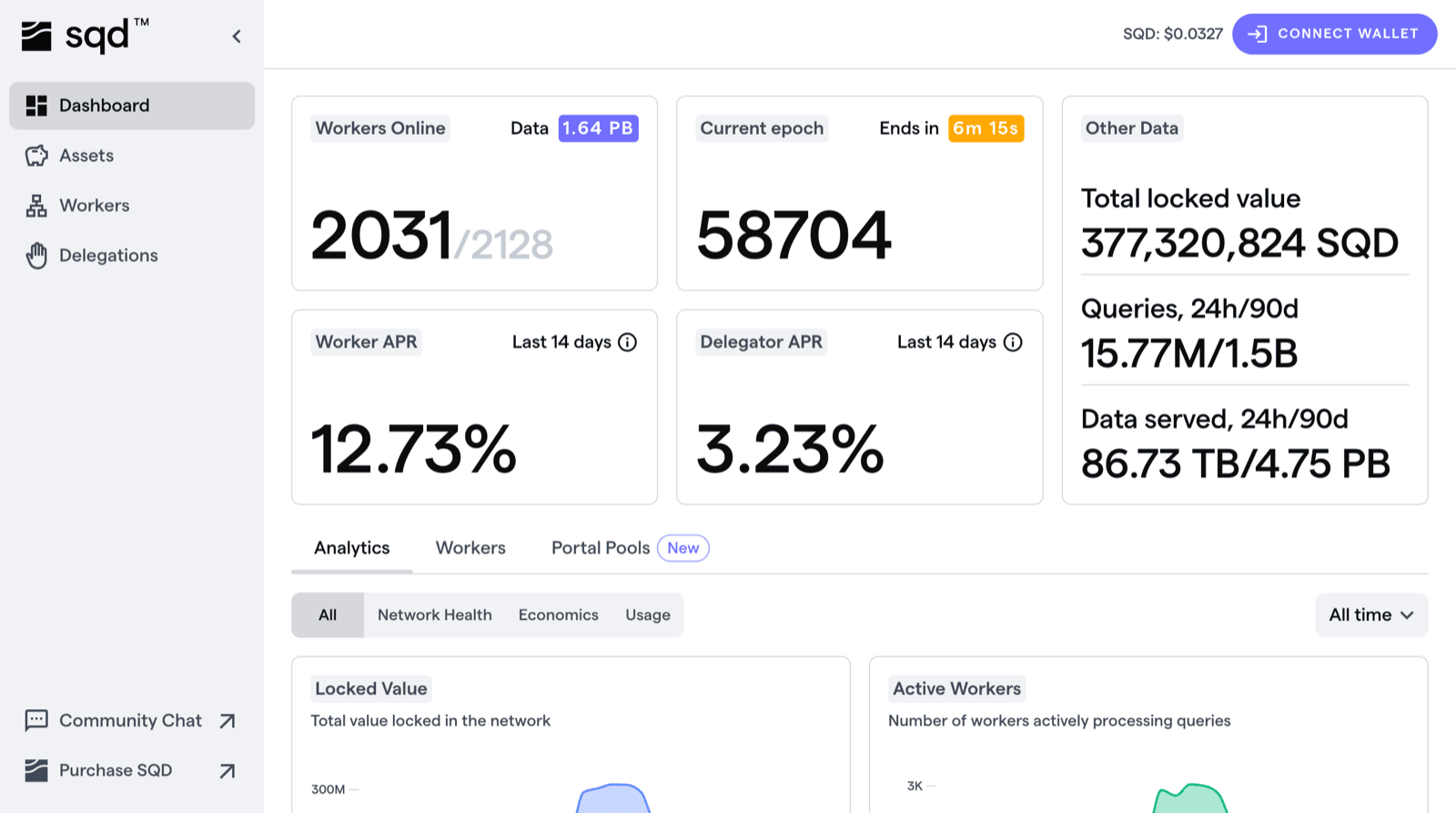
Below the header, charts are grouped under Network Health, Economics, and
Usage: locked value, active workers, rewards, APR, unique operators,
delegations, unique delegators, transfers, active accounts, query count, served
data, and stored data. Each chart has a time-range selector.
The Portal Pools tab lists pools with status, APY, TVL, capacity, and
funding.
Views that need a wallet
Connect the wallet that holds your tokens. For workers this is the Primary
Wallet used at registration, holding SQD directly or through a vesting
contract.
Tasks by role
Worker operators. Check the Workers view after registering to confirm the node appears and reports the expected version. Jailed workers are flagged there. See worker jailing for the causes and recovery time. Delegators. The worker list shows uptime, remaining delegation capacity, and APR per worker. See maximizing your rewards for how to weigh them. Portal operators. Register a peer ID and lock SQD from the app. See token requirements and compute units for sizing.Open the Network App
network.sqd.dev