
Which tool should I use?
- Portal API: use the Portal API when you work in any language other than TypeScript, or when you want raw data with zero dependencies. It is plain HTTP: no SDK, no build step.
- Pipes SDK: recommended for new TypeScript indexers that write to your own database or warehouse. It decodes events for you and includes ready-made targets for ClickHouse, PostgreSQL, BigQuery, and Parquet.
- Squid SDK: use the Squid SDK when you want a batteries-included framework that serves a GraphQL API from PostgreSQL, or when you index Substrate, Fuel, or Starknet networks. The Squid SDK is stable, fully supported, and actively developed.
In short: pick the Portal API for language freedom, the Pipes SDK for TypeScript pipelines into your own store, and the Squid SDK for a GraphQL-served PostgreSQL backend.
How the tools relate
The Portal serves raw, server-side-filtered blockchain data over HTTP; the Pipes SDK and the Squid SDK both consume the Portal and add decoding, transformation, and persistence on top.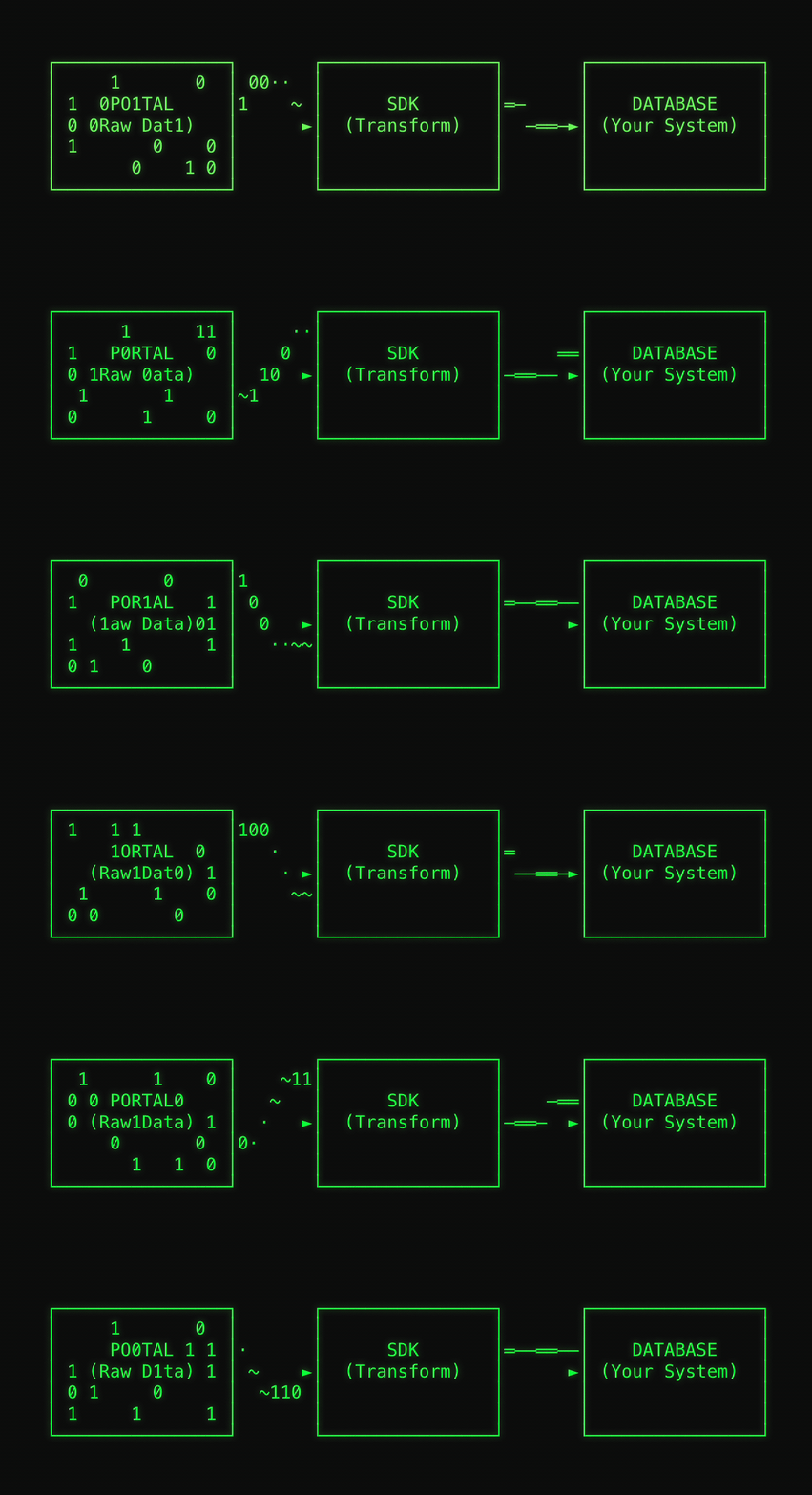
Both SDKs use the Portal internally. When you use an SDK, you are still
accessing blockchain data through the Portal. The SDK adds decoding, type
safety, batching, and database persistence.
The Ponder + Portal integration
(beta) routes Ponder historical backfills through the Portal while
realtime stays on your RPC. In the published Euler V2 benchmark, the Portal
path completed the full Ethereum history in 1,819 seconds, 3.6x faster than
the 6,543-second stock Ponder run over a metered RPC endpoint on the same host.
sqd-go is a community-maintained Go
indexer that streams EVM events from the Portal into ClickHouse, configured
through a single
config.yaml, with derived state written in Go.The same task with each tool
All three examples below fetch USDCTransfer logs on Ethereum mainnet. Every snippet was tested against the live Portal and the published packages in September 2026.
Portal API
Send an HTTP request, get one JSON line per block back. Works from any language.topics and data is your job. That is the trade-off for language freedom. See the Portal API quickstart for pagination, real-time streaming, and more.
Pipes SDK
The Pipes SDK turns the same query into a typed stream of decoded events.commonAbis includes a ready-made ERC20 ABI, so no typegen step is needed here:
createTarget with a built-in target such as PostgreSQL via Drizzle, ClickHouse, BigQuery, or Parquet, which also persists the cursor and rolls back reorganized blocks for you (the ClickHouse target needs a one-line onRollback callback). The Pipes SDK quickstart scaffolds a complete project, including the database, in one command.
Squid SDK
The Squid SDK is schema-first: you define entities inschema.graphql, and the framework generates the models, the migrations, and a GraphQL API. The processor fills PostgreSQL:
@subsquid/evm-stream data source used above. Existing squids that read from v2.archive.subsquid.io gateways should follow the gateway-to-Portal migration guide: self-hosted squids on gateway endpoints require API keys since May 19, 2026 (SQD Cloud deployments are unaffected), while Portal-based squids need no RPC endpoint or finality configuration.
When to choose each tool
Choose the Portal API when
- You work in Python, Go, Rust, or any language other than TypeScript.
- You are filling a data warehouse or lake (ClickHouse, BigQuery, Snowflake) with your own ingestion tooling.
- You want to prototype a query in minutes with zero dependencies.
- You need full control over every byte you download. The Portal filters server-side, so you only receive the fields you request.
Choose the Pipes SDK when
- You are starting a new TypeScript indexer and want decoded, typed data with minimal ceremony.
- Your data belongs in ClickHouse, PostgreSQL, BigQuery, or Parquet files. The built-in targets persist cursors and roll back reorganized blocks automatically.
- You want to embed indexing into an existing application or microservice rather than run a separate framework process.
- You need factory-contract tracking (for example Uniswap pools), Prometheus metrics, or portal response caching, all included.
Choose the Squid SDK when
- You are building a dApp backend and need a GraphQL API. It is generated from your schema, with pagination and filtering included.
- You prefer a schema-first workflow: entities, migrations, and TypeScript models are all generated for you.
- You index Substrate, Fuel, or Starknet networks, which the Pipes SDK does not cover.
- You deploy to SQD Cloud with
sqd deployand want managed hosting, monitoring, and scaling.
Pipes SDK vs Squid SDK: feature reference
Legend: ✅ built in · 🟡 partial or manual · ❌ not included
¹ Built-in targets roll back reorganized blocks automatically; the ClickHouse target needs a one-line
onRollback callback, and fully custom targets implement fork handling themselves.
In short: the Pipes SDK is the lighter, embeddable toolkit, with no GraphQL layer and self-hosted deployment. The Squid SDK is the stable full framework with a generated GraphQL API and one-command SQD Cloud deployment.
For the reasoning behind the Pipes SDK’s design, see Why Pipes SDK?. Coming from The Graph? See Squid SDK vs The Graph.
Next steps
Try the Portal API
Run your first query in minutes with plain HTTP
Try the Pipes SDK
Scaffold a pipeline that indexes into your database
Try the Squid SDK
Build an indexer with a generated GraphQL API
Use Ponder + Portal
Back an existing Ponder app with the Portal (beta)